Samsung
Aug 20, 2026
With operation log
Success
Verified E-GSM Tool Result
Remove FRP Exynos - Odin
- Samsung Generic
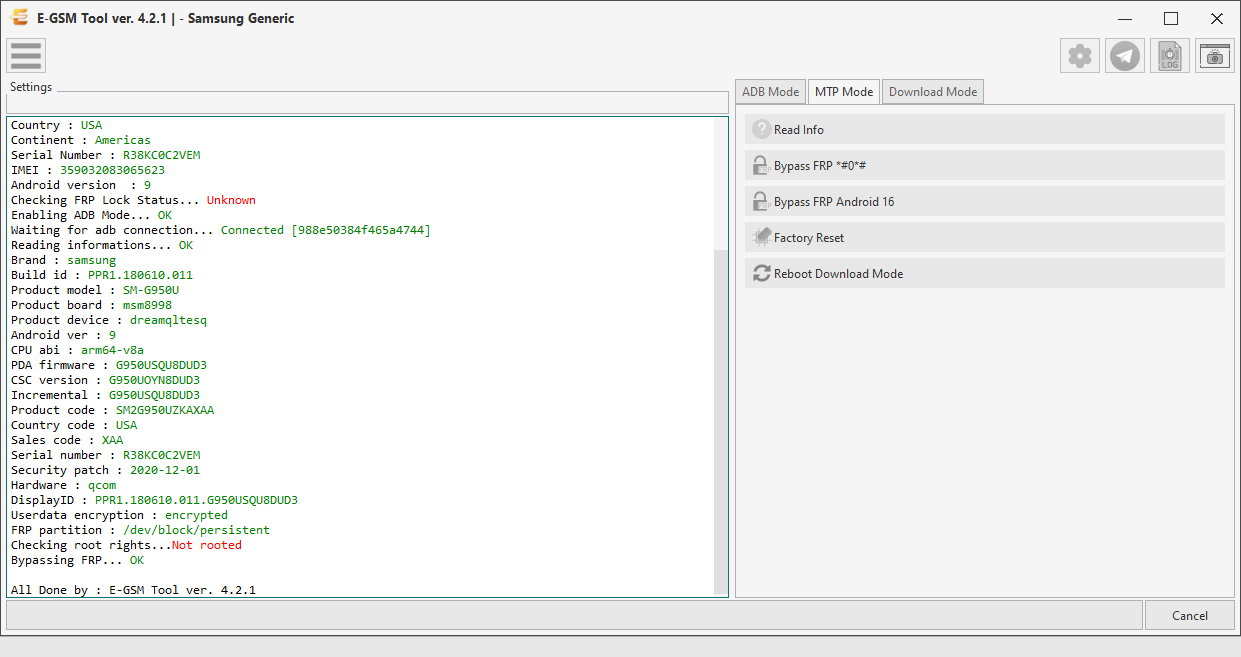
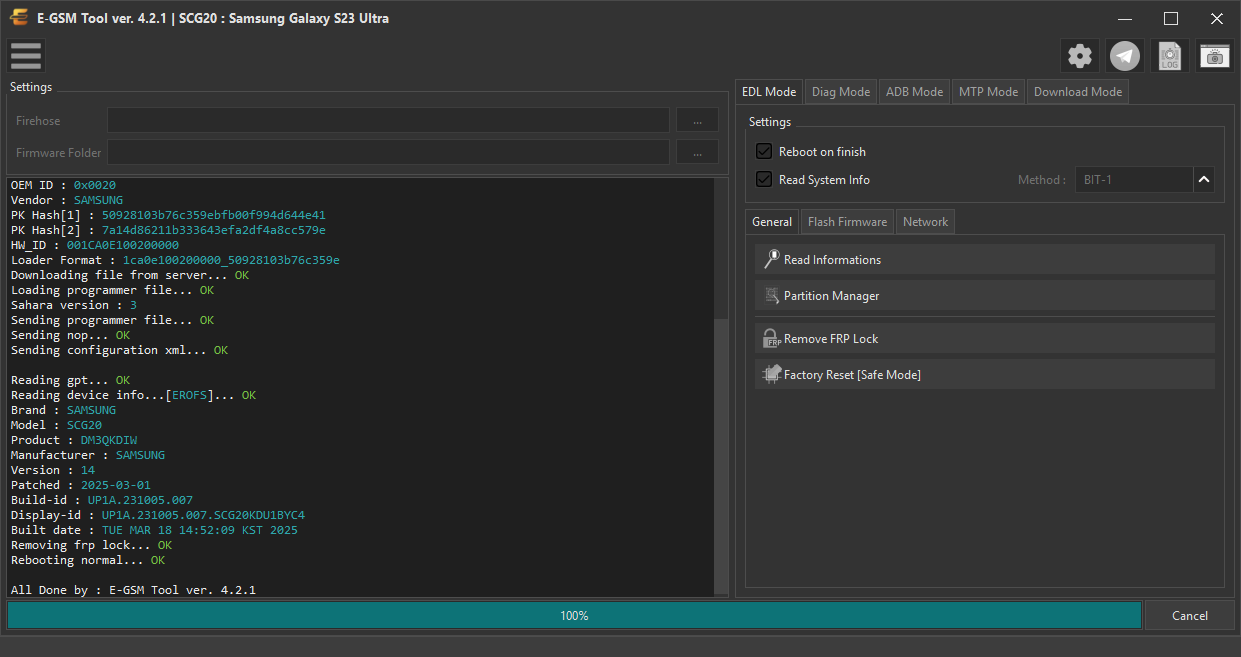
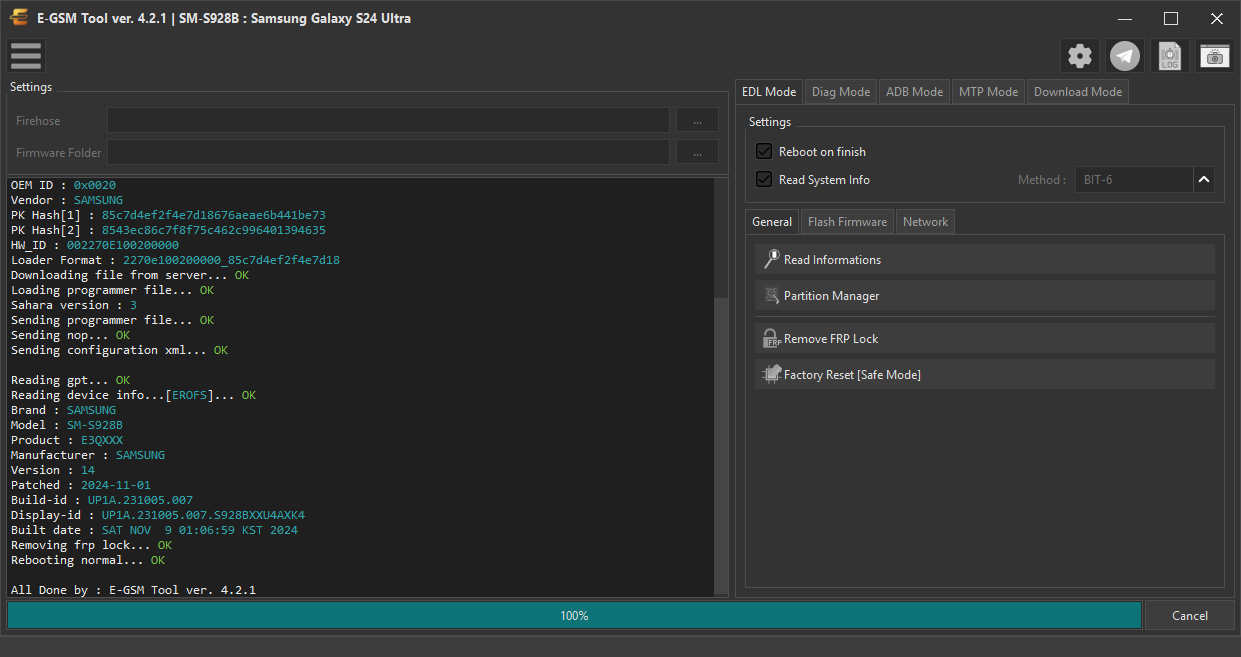
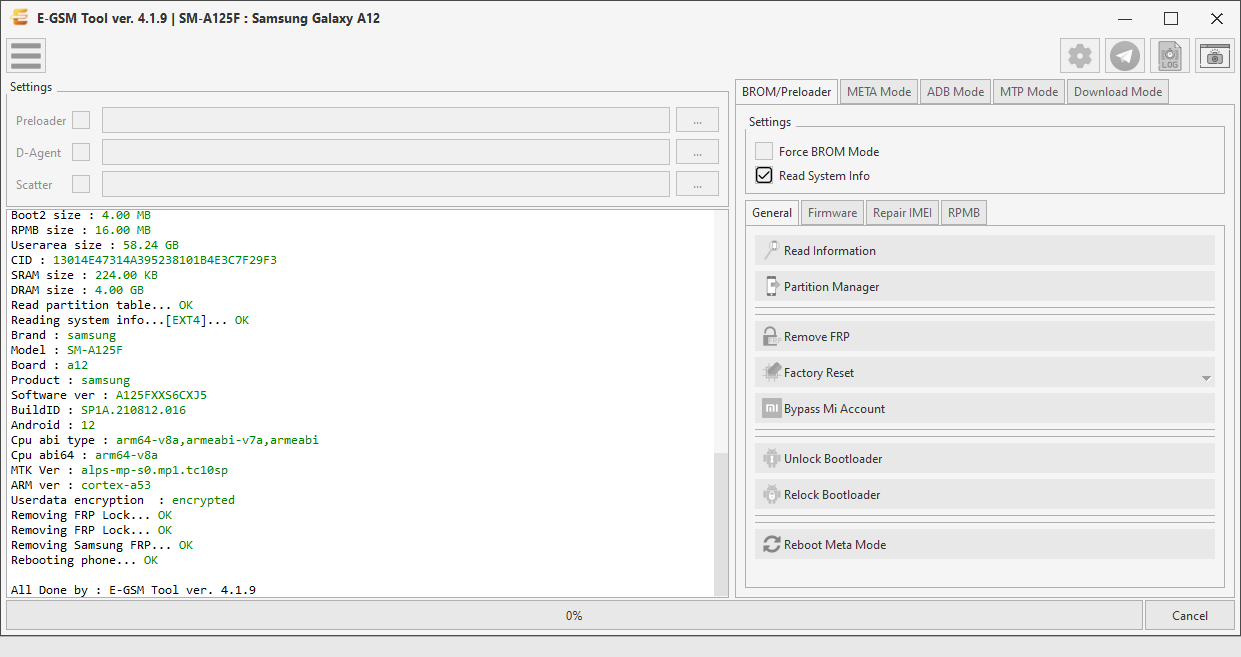
Real desktop tool capture for Samsung — zoom, download, or share this repair proof.
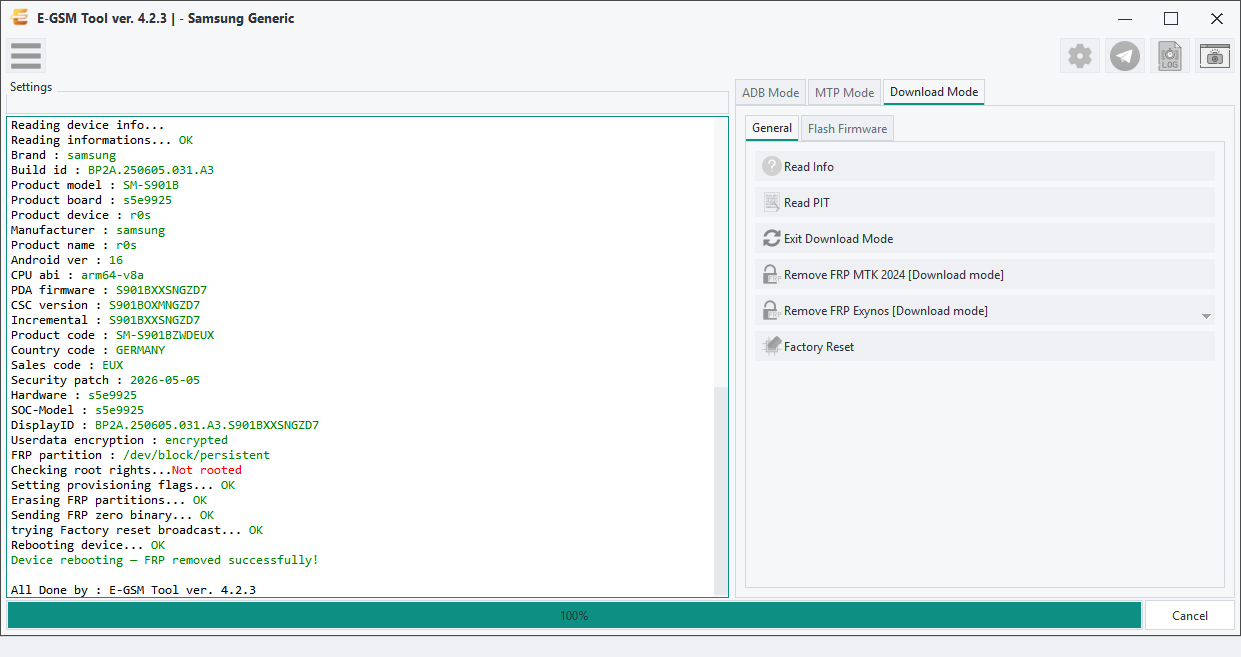
Operation Log
Console output captured within 5 seconds of this screenshot — same user, operation, brand and model.
p, li { white-space: pre-wrap; }
Operation : Remove FRP Exynos [Enable ADB + Remove FRP AUTO]
Phone Mode : Download Mode
Selected Model : - Samsung Generic
Searching USB Flash interface... Found
Connected Device : SAMSUNG Mobile USB Modem (COM7)
Connect to comport... OK
Reading device info... OK
Model : SM-S901B
UN : AD05222E200F8F0A0000
CAPA : 128
Vendor : SKhynix
Firmware Version : 0002
Product Name : HN8T05DEHKX073
PROV : PASS
Sales Code : EUX
Firmware : S901BXXSNGZD7
DID : 200bf7f55c733011
TMU_TEMP : 51
NAD_TEMP : 40
Downloading data from server... OK
Preparing resources... OK
Starting Exynos process...
Switching connection mode... OK
Booting device... OK
Starting operation... OK
Reading boot data... OK
Analyzing boot data... OK
Loading boot images...
Failed finding dss_dpm_init OK
Dumping boot images... OK
Loading boot configuration... OK
Dumping boot configuration... OK
Preparing payload... OK
Sending payload to device... OK
Finalizing boot parameters... OK
Rebooting device... OK
Boot completed successfully
Waiting for device to boot after exploit... OK
Device connected — R3CT605S5KP (recovery)
Waiting for adb connection... Connected [R3CT605S5KP]
Reading device info...
Reading informations... OK
Brand : samsung
Build id : BP2A.250605.031.A3
Product model : SM-S901B
Product board : s5e9925
Product device : r0s
Manufacturer : samsung
Product name : r0s
Android ver : 16
CPU abi : arm64-v8a
PDA firmware : S901BXXSNGZD7
CSC version : S901BOXMNGZD7
Incremental : S901BXXSNGZD7
Product code : SM-S901BZWDEUX
Country code : GERMANY
Sales code : EUX
Security patch : 2026-05-05
Hardware : s5e9925
SOC-Model : s5e9925
DisplayID : BP2A.250605.031.A3.S901BXXSNGZD7
Userdata encryption : encrypted
FRP partition : /dev/block/persistent
Checking root rights...Not rooted
Setting provisioning flags... OK
Erasing FRP partitions... OK
Sending FRP zero binary... OK
trying Factory reset broadcast... OK
Rebooting device... OK
Device rebooting — FRP removed successfully!