Huawei
Jun 23, 2026
With operation log
Success
Verified E-GSM Tool Result
Remove FRP - Hisilicon
JSN-L22 : Huawei Honor 8X
Real desktop tool capture for Huawei — zoom, download, or share this repair proof.
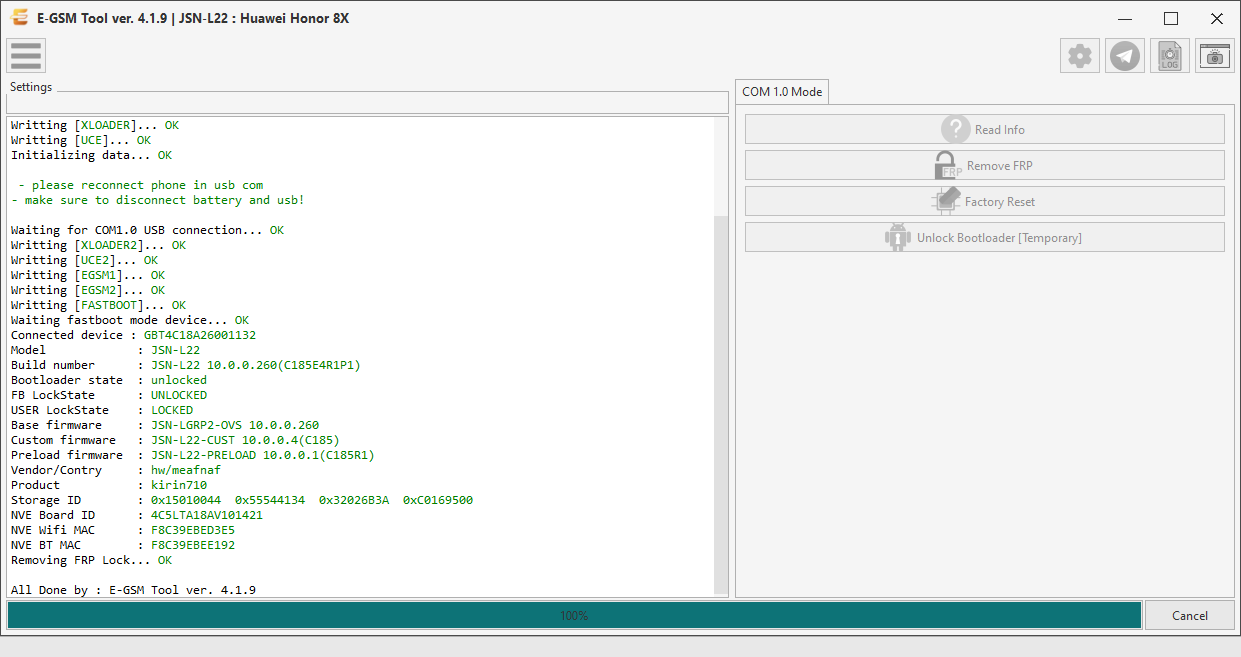
Operation Log
Console output captured within 5 seconds of this screenshot — same user, operation, brand and model.
p, li { white-space: pre-wrap; }
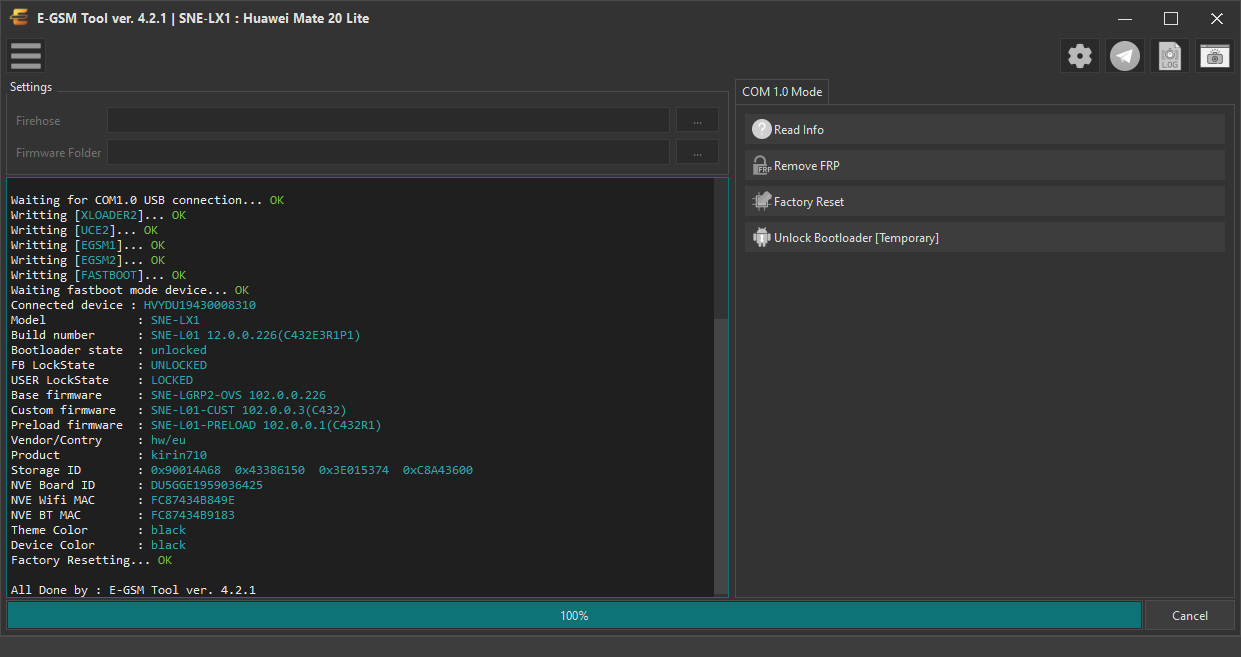
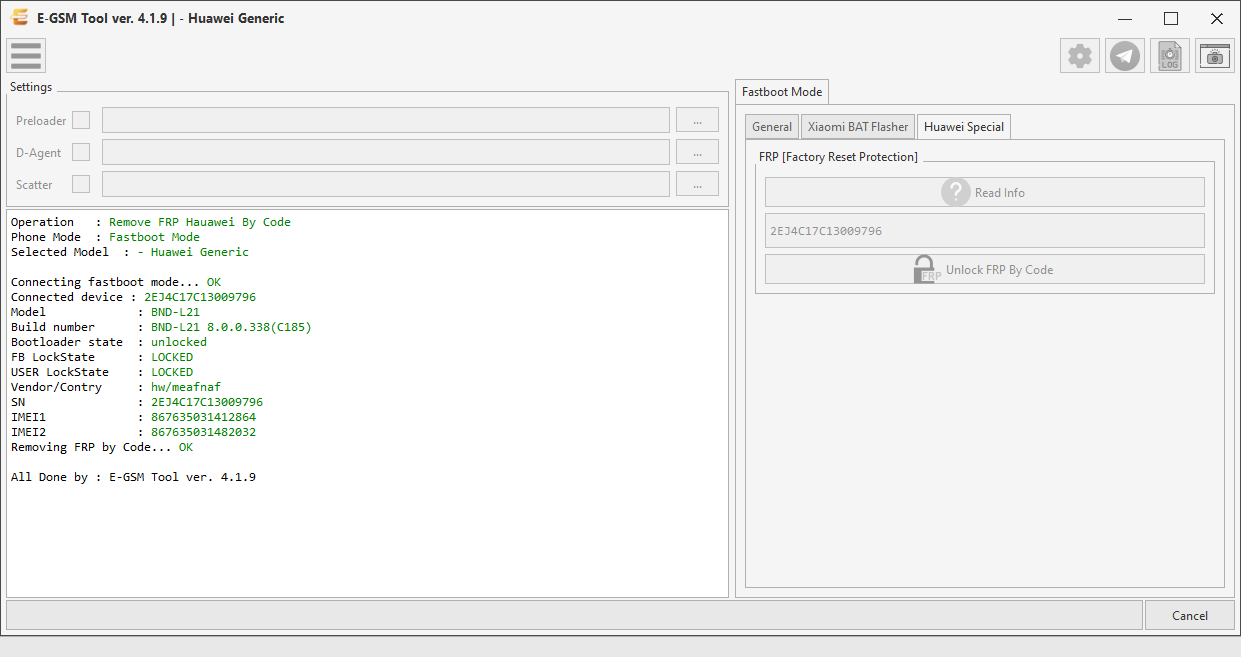
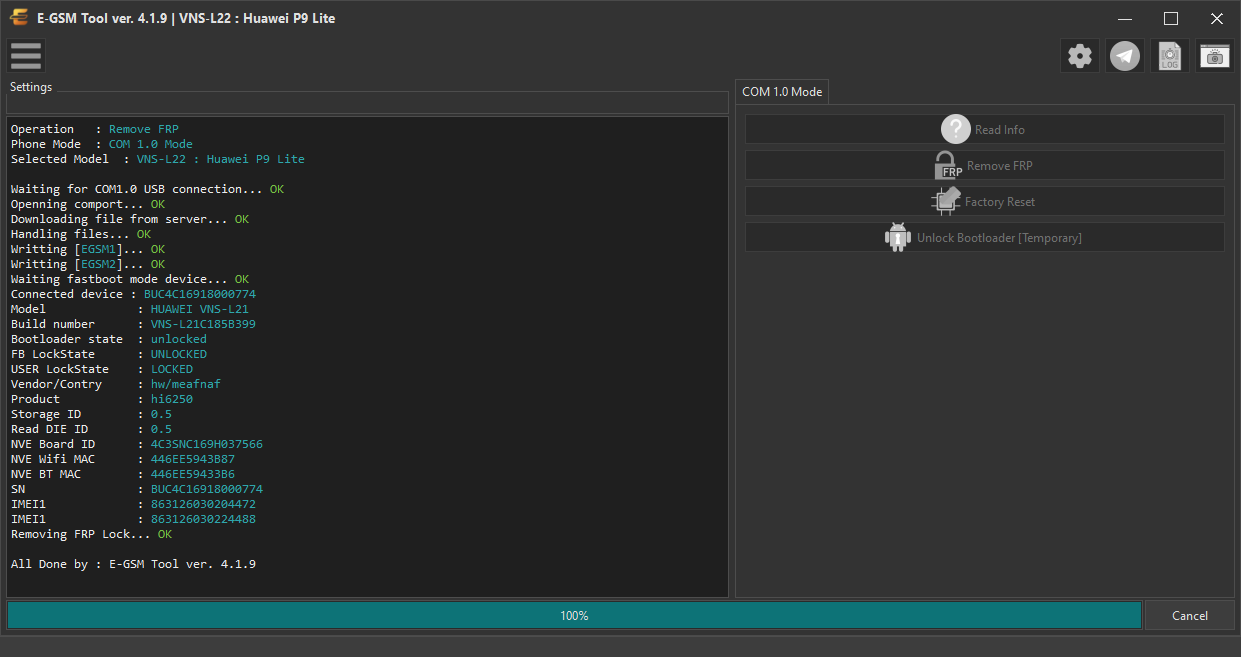
Operation : Remove FRP
Phone Mode : COM 1.0 Mode
Selected Model : JSN-L22 : Huawei Honor 8X
Waiting for COM1.0 USB connection... OK
Openning comport... OK
Downloading file from server... OK
Handling files... OK
Writting [XLOADER]... OK
Writting [UCE]... OK
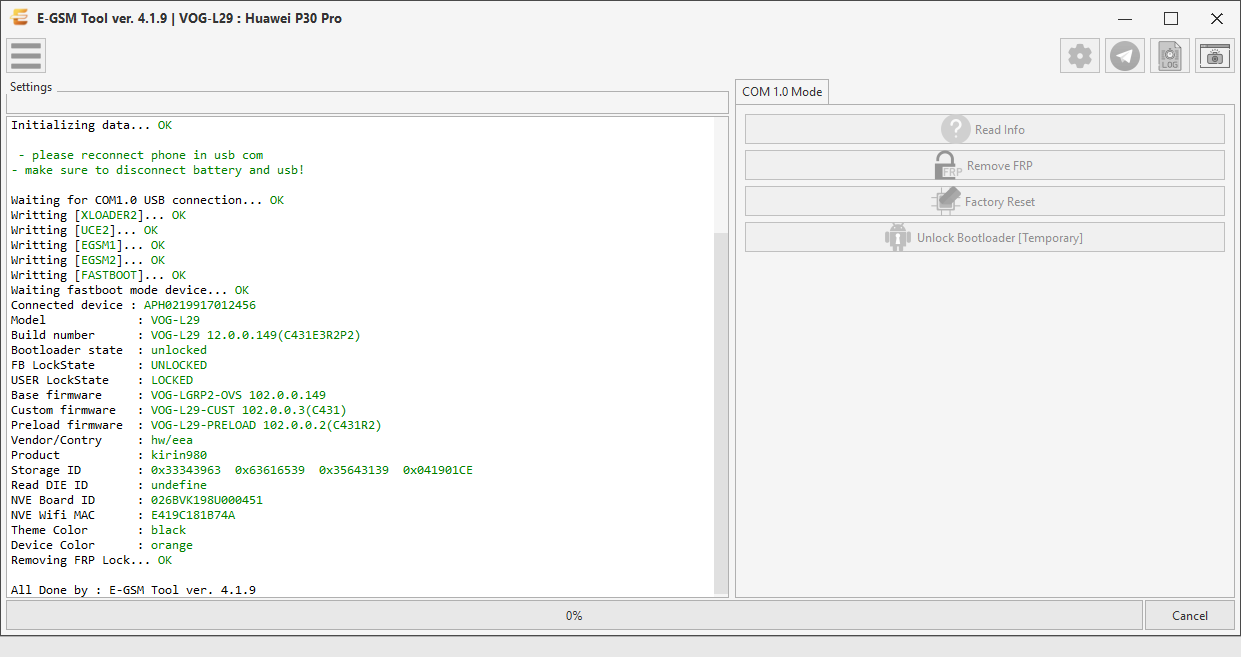
Initializing data... OK
- please reconnect phone in usb com
- make sure to disconnect battery and usb!
Waiting for COM1.0 USB connection... OK
Writting [XLOADER2]... OK
Writting [UCE2]... OK
Writting [EGSM1]... OK
Writting [EGSM2]... OK
Writting [FASTBOOT]... OK
Waiting fastboot mode device... OK
Connected device : GBT4C18A26001132
Model : JSN-L22
Build number : JSN-L22 10.0.0.260(C185E4R1P1)
Bootloader state : unlocked
FB LockState : UNLOCKED
USER LockState : LOCKED
Base firmware : JSN-LGRP2-OVS 10.0.0.260
Custom firmware : JSN-L22-CUST 10.0.0.4(C185)
Preload firmware : JSN-L22-PRELOAD 10.0.0.1(C185R1)
Vendor/Contry : hw/meafnaf
Product : kirin710
Storage ID : 0x15010044 0x55544134 0x32026B3A 0xC0169500
NVE Board ID : 4C5LTA18AV101421
NVE Wifi MAC : F8C39EBED3E5
NVE BT MAC : F8C39EBEE192
Removing FRP Lock... OK